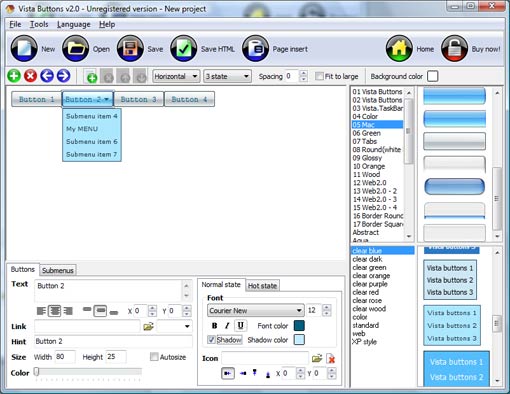
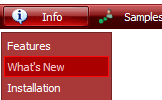
Click "Add button" and "Add submenu's item's buttons to create your menu.
Create your own buttons or use ready to use Templates.
Select vista button or submenu by clicking it and change button appearance for normal and mouse over states and set buttons/submenus link properties and link target attributes.
Save your menu as project file, as HTML page or insert your menu into the existing HTML page
CREATING MENU BAR IN HTML
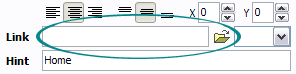
Now let's set the html buttons web-behavior. That is, set their Link properties. To set the button link, select the button by clicking it and then enter the link address in the "Link" field on the Properties toolbox.
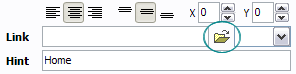
Another way to set the button link is to select it and then click the "Select page" button on the Properties toolbox. Open dialog will appear, in which you can select the page you would like to link to. This page's address will then appear in the "Link" field.
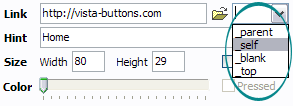
Also, you can assign link target attributes for each button. This will define where a linked page will be opened in your Web-browser. For example "_blank" attribute will open the linked page in new browser window. Note that link target attribute act exactly like the Target attribute of the <a> tag in HTML. To set button link target attribute, just select the button and then either choose one of the predefined values from the "Link target attributes" list on the Properties toolbox or enter your own value (window/frame name, where the linked page should be opened). Learn more about link target attributes from the user guide.
DESCRIPTION
Tune menu parameters manually or using Drop Down HTML Menu GUI interface. Then insert html code into the existing HTML page using GUI interface - your menu is ready!
Save your current project in the project file (*.xwb) and continue to work with it later





 How To's
 Dynamic Html Drop Down Menus
 Features
 Online Help
  FAQ
FAQ